
Or how to stop wondering “Did I forget it?”
Let’s start with something painfully familiar.
You’re mid-chat. The customer is asking some really “good” (and also annoying) questions, but you manage like a pro, answering them all!
Everything’s going well. Yet somewhere in the back of your head, there’s that tiny voice:
“I should probably ask for…”
“I’ll do it in a moment.”
“Just after this answer.”
Spoiler: that moment often never comes.

And you forgetting it isn’t about bad service
It’s about busy chats. When you’re chatting live, you’re not following a script. Conversations jump. Topics change. Customers interrupt you (or even themselves!).
That’s normal!
What’s not helpful is trying to run a checklist in your head or in the other website at the same time.
Because the problem usually isn’t not knowing what to do. It’s remembering when to do it.
Let’s fix one real problem
Here’s a classic one: Agents forget to collect customer contact data.
Not always, not on purpose.
Just… sometimes.
So instead of reminding agents after the chat,
or blaming them for missing it, you move the responsibility where it belongs – to the system.
This is where Super Trainer checklists come in.
Each checklist item has its own little “watcher.” You tell it what to look for – and when it sees it, the step is marked as done.
Whenever you want to add another step, you simply create another rule for it.
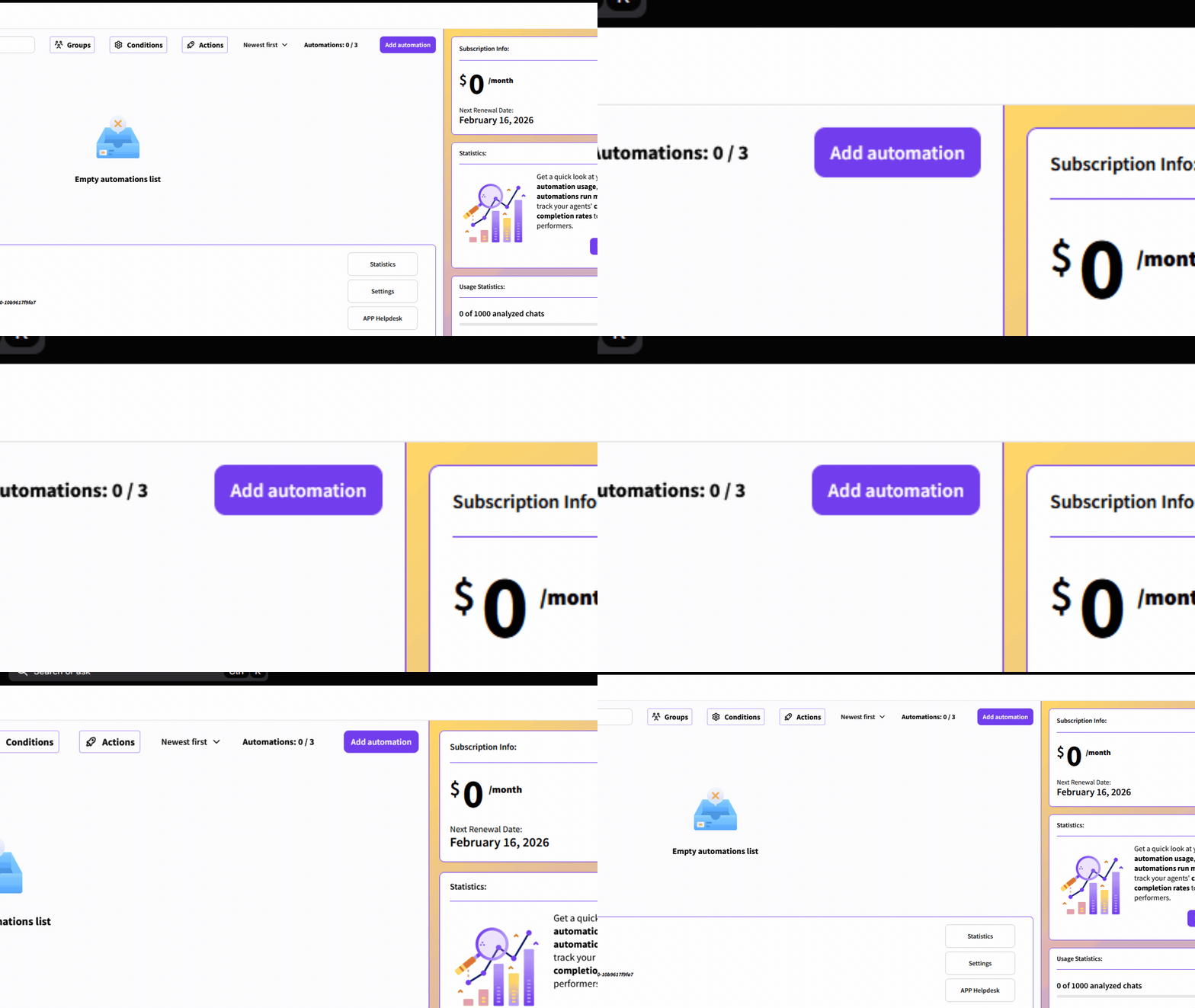
What you see as an agent?
On the right side of the chat, in Customer Details, there’s a simple checklist item:
⬜ Customer contact data added
That’s it. Just a quiet indicator sitting there while you chat.
And what you don’t have to do:
Well, for starters, you don’t have to:
click anything,
confirm anything,
or remember to update the checklist.
You just talk to the customer as the checklist completes itself. That’s it!
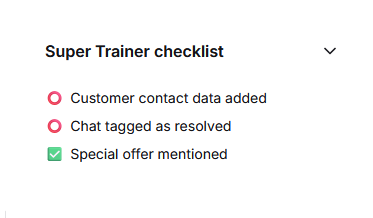
All the magic happens automatically
Behind the scenes, this checklist item is connected to a rule.
The logic is simple:
IF a customer contact data appears in the chat
THEN mark the checklist item as done
The moment you get the email or phone number
✔️ it’s checked.
No thinking or second-guessing: “Wait… did I already do that?”

This feels so natural!
Because nothing new is added to your workflow.
You’re not using a checklist. The checklist is simply observing what already happens.
It doesn’t interrupt or rush you. Just quietly keeps score, so you don’t have to.
This is the part people underestimate
Checklists usually fail because they ask agents to multitask.
Super Trainer checklists do the opposite.
They remove one more thing from your head.
Checklists show the result
Rules decide when something matters.
Checklists show where you are — right now.
No extra effort.
No extra discipline required.
Just support, exactly when it’s useful.

Shortcut to a stress free chats!
Note, that these features are configured by admins – but they’re built for agents.
If this sounds like something that would make your chats smoother, faster or less stressful…
it might be worth showing it to your team lead 🔎.